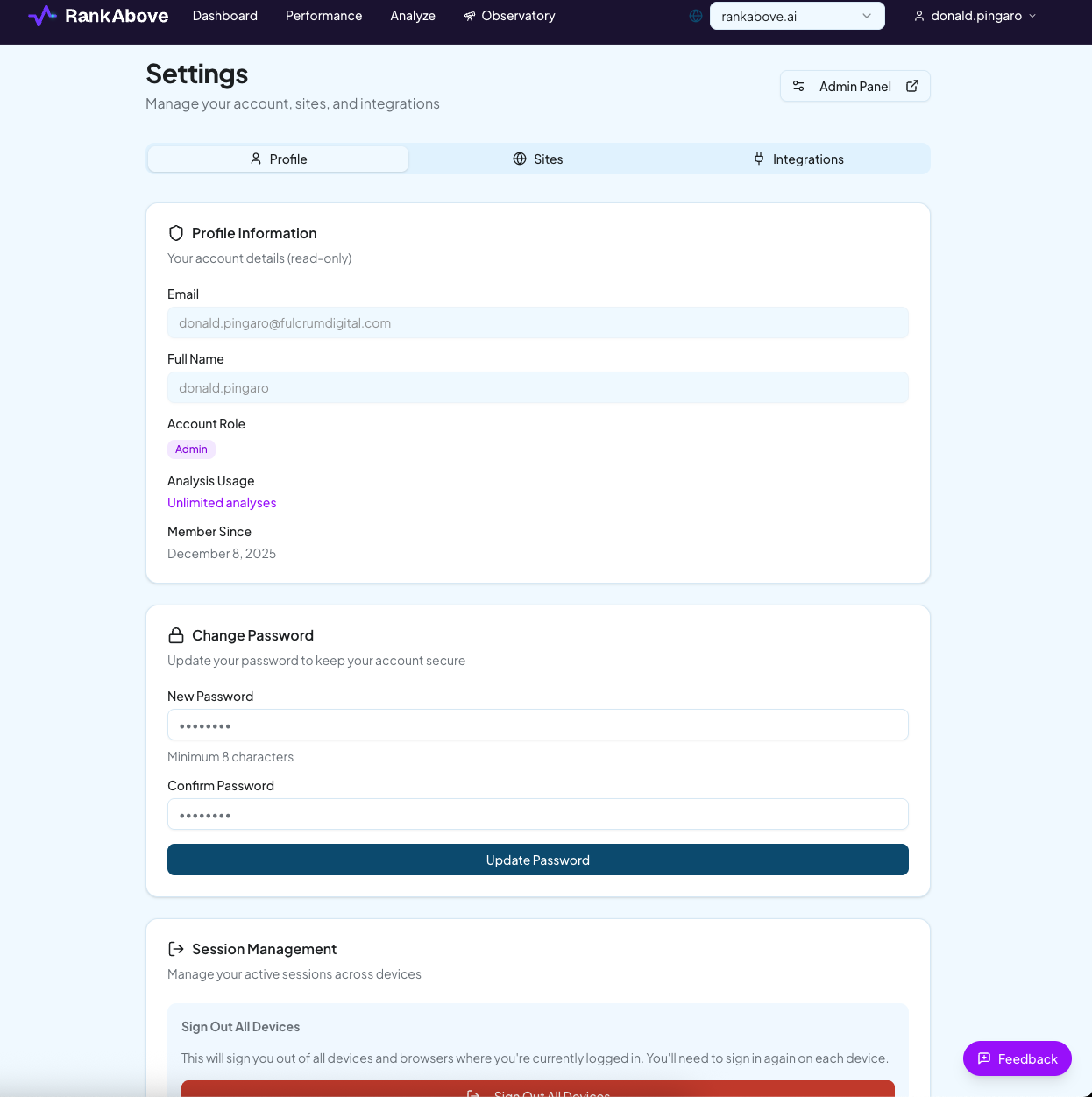
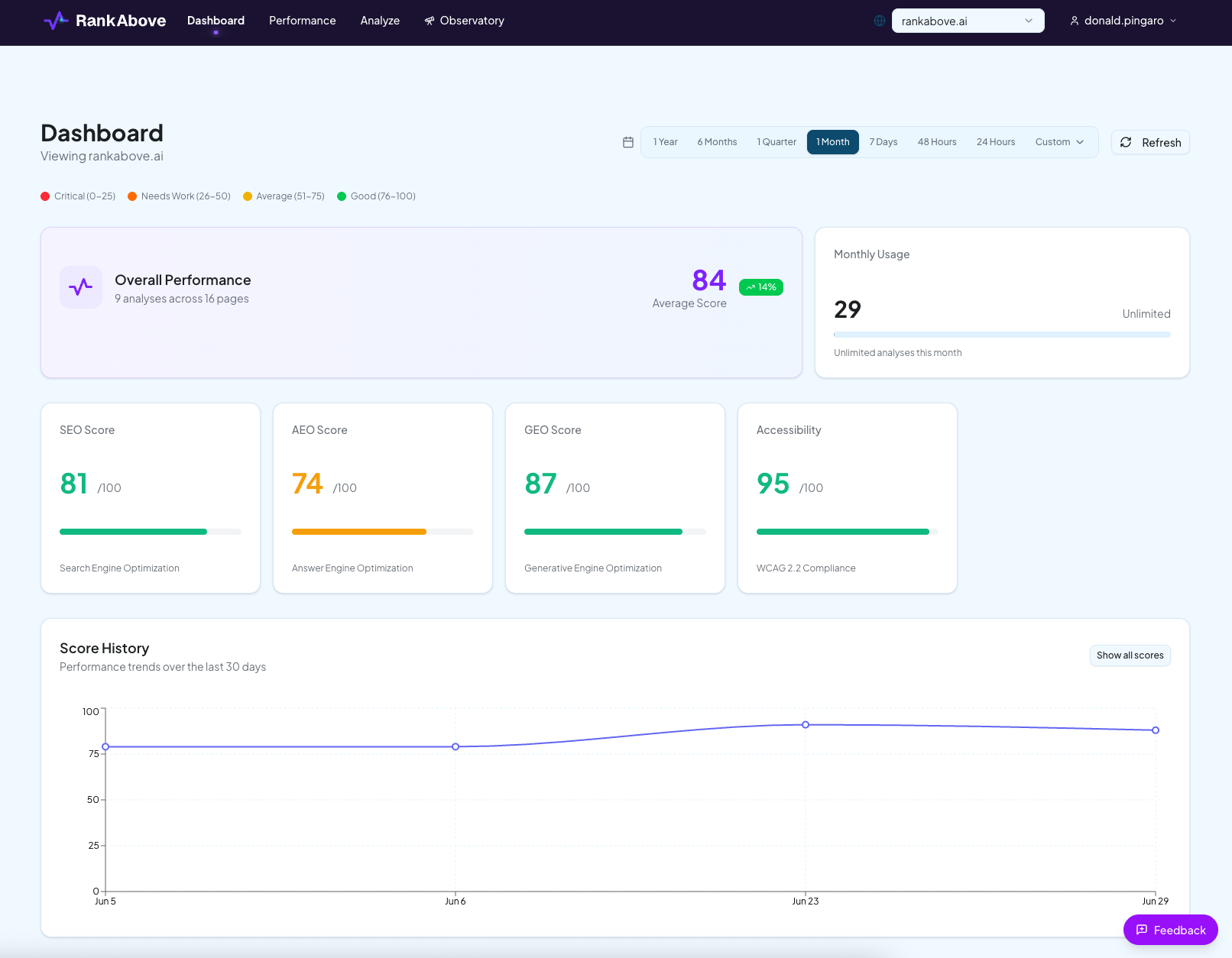
Onboarding opens the first time you sign in after your RankAbove account is approved. It connects your workspace and website so RankAbove can analyze pages and track your search visibility.
Before you start
- Open the link in your RankAbove welcome email.
- Keep the temporary password from that email available.
- Have your full website URL ready, such as https://www.example.com.
- Optional: Have your sitemap URL ready. Common examples include /sitemap.xml, /wp-sitemap.xml, and /sitemap_index.xml.
- Optional: Have a Google account with access to Google Search Console and Google Analytics for the site.
Choose the correct setup path
If you are the first person in the workspace
You are the workspace administrator. Complete the full onboarding process below. After onboarding, invite teammates from Settings > Team.
If you were invited by a teammate
Your organization and website are already set up. Create your password and verify your email if requested. You should not create another workspace, add a site, or reconnect Google during onboarding.
Administrator setup
- Welcome to RankAbove: Read the introduction and select Next.
- Create Your Password: Enter your full name. If requested, paste the temporary password from your welcome email. Create and confirm a new password, then select Save & Continue.
- Verify Your Email: If this screen appears, select Send Verification Code. Enter the six-digit code within 30 minutes, then select Verify. Check your spam or junk folder if the email does not arrive.
- Set Up Your Workspace or Name Your Organization: You will see one of these screens, not both. Enter or update the organization name. You can change it later in Settings.
- Add Your First Site: Paste the complete website URL and select Add Site. This registers the site for analysis and tracking.
- Add Your Sitemap: This step is optional. Paste the sitemap URL and select Verify & Add Sitemap, or skip it and add the sitemap later in Settings.
- Connect Google: This step is optional. Use the separate buttons to connect Google Search Console and Google Analytics. Connect either service, connect both, or skip them and finish later in Settings > Integrations.
- Run Your First Analysis: On the You’re All Set! screen, select Start Analysis. RankAbove opens the Analyzer for the website URL you added.
Invited teammate setup
- Open the link in your welcome email.
- Create your password.
- Verify your email if requested.
- When onboarding ends, use the sites your administrator already added.
What your completed connections provide
- Website URL: Allows RankAbove to analyze and score the site.
- Sitemap: Helps RankAbove identify the pages on your site, especially when Google Search Console is not connected.
- Google Search Console: Adds richer search data to the dashboard and your analyses.
- Google Analytics: Adds traffic and AI referral information.
After onboarding, use Settings to manage additional sites, sitemaps, Google connections, and teammates.