The seven steps
- Request access. Visit www.RankAbove.ai and click “Request Access”. Approval usually comes the same day. Full article
- Log in and open Settings. Click your name in the top right and select “Settings”.
- Add your site and connect Google Search Console. Required for every analysis; have your GSC credentials ready. Full walkthrough
- Connect Google Analytics 4. Optional but recommended; it adds traffic context to every recommendation. What GA4 adds
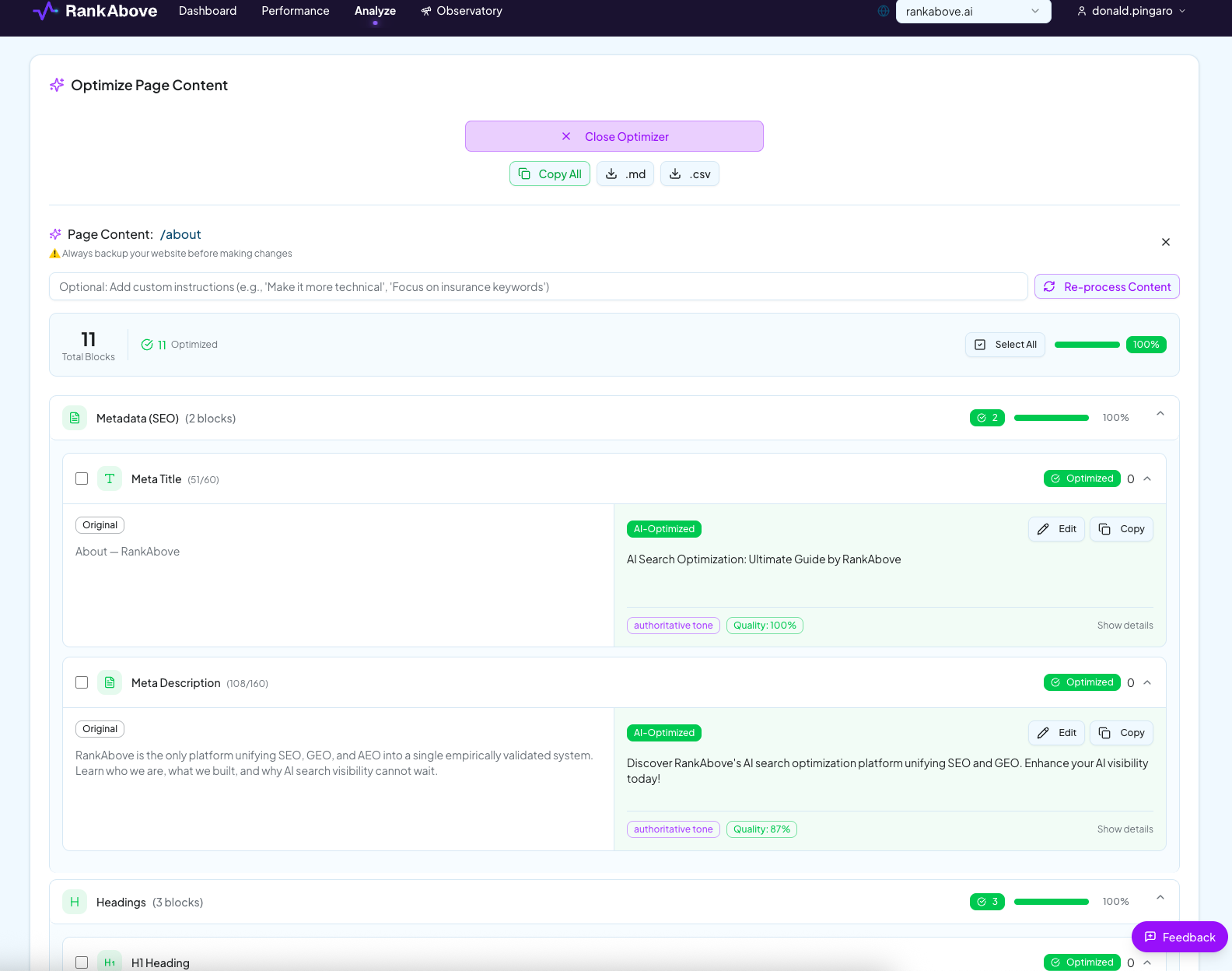
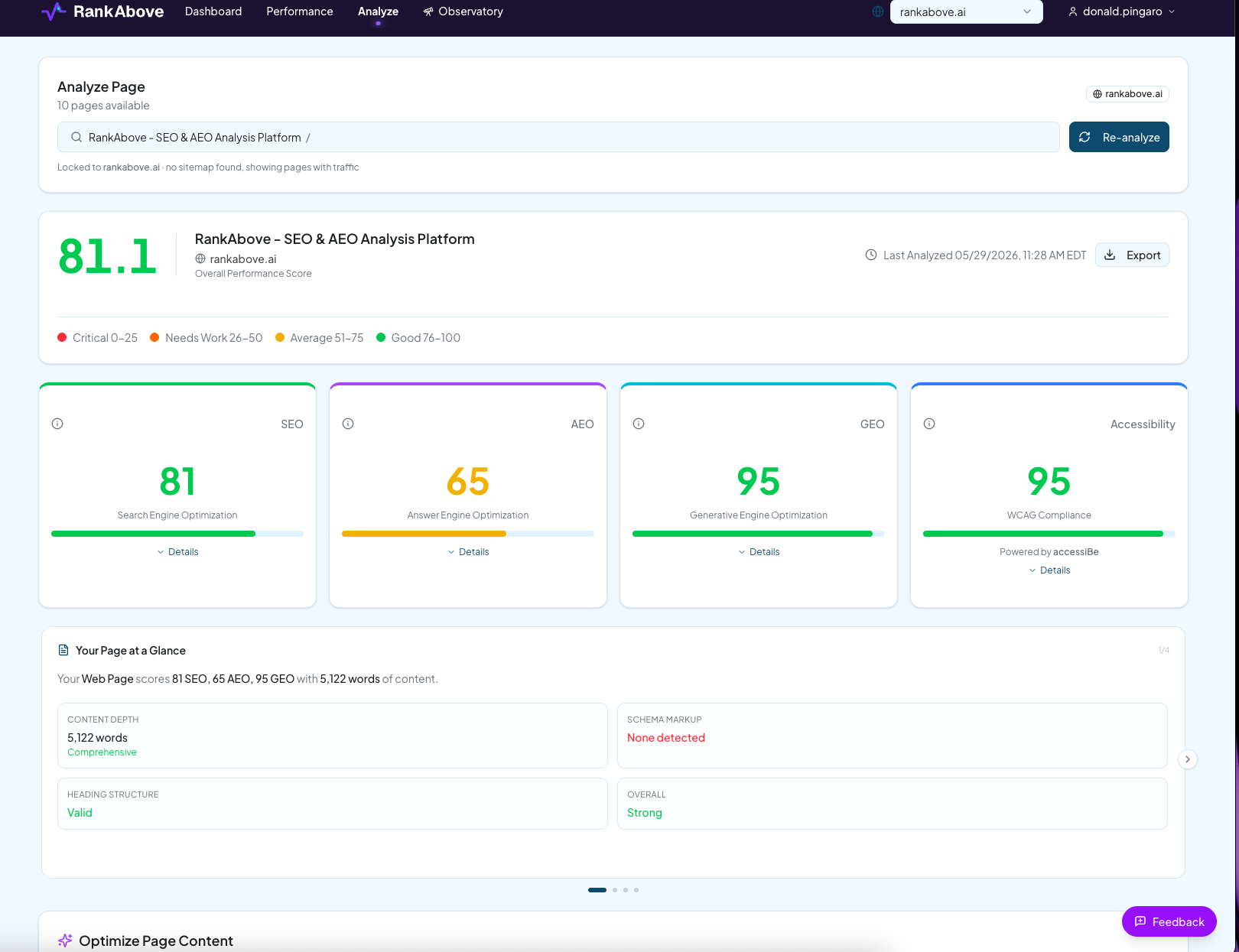
- Run your first analysis. Pick a commercial page that already gets impressions, not your homepage. Full article
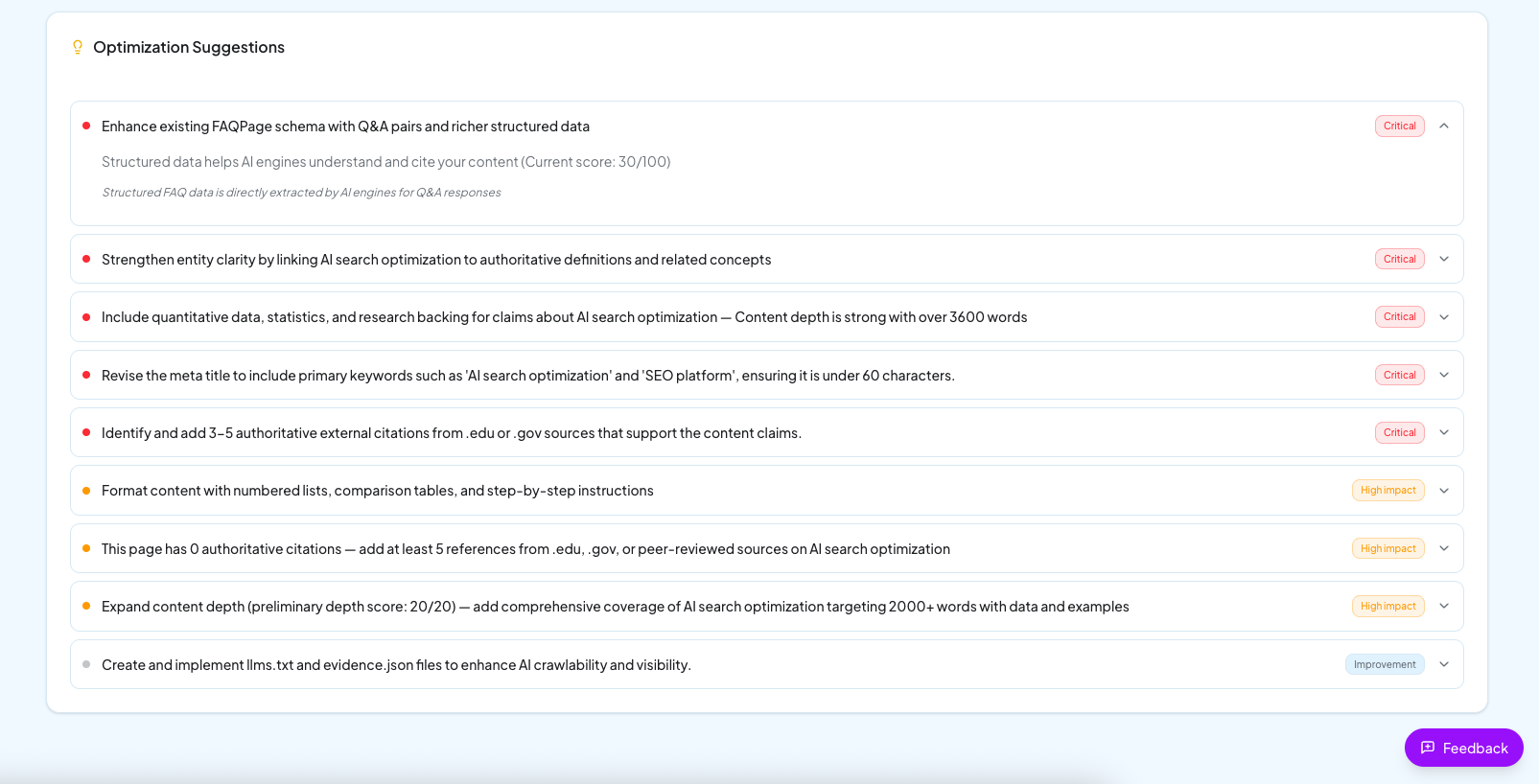
- Review “What We’ll Optimize” and ship a small batch. 3 to 5 changes from the top of the list, routed through approval. How to read the slider
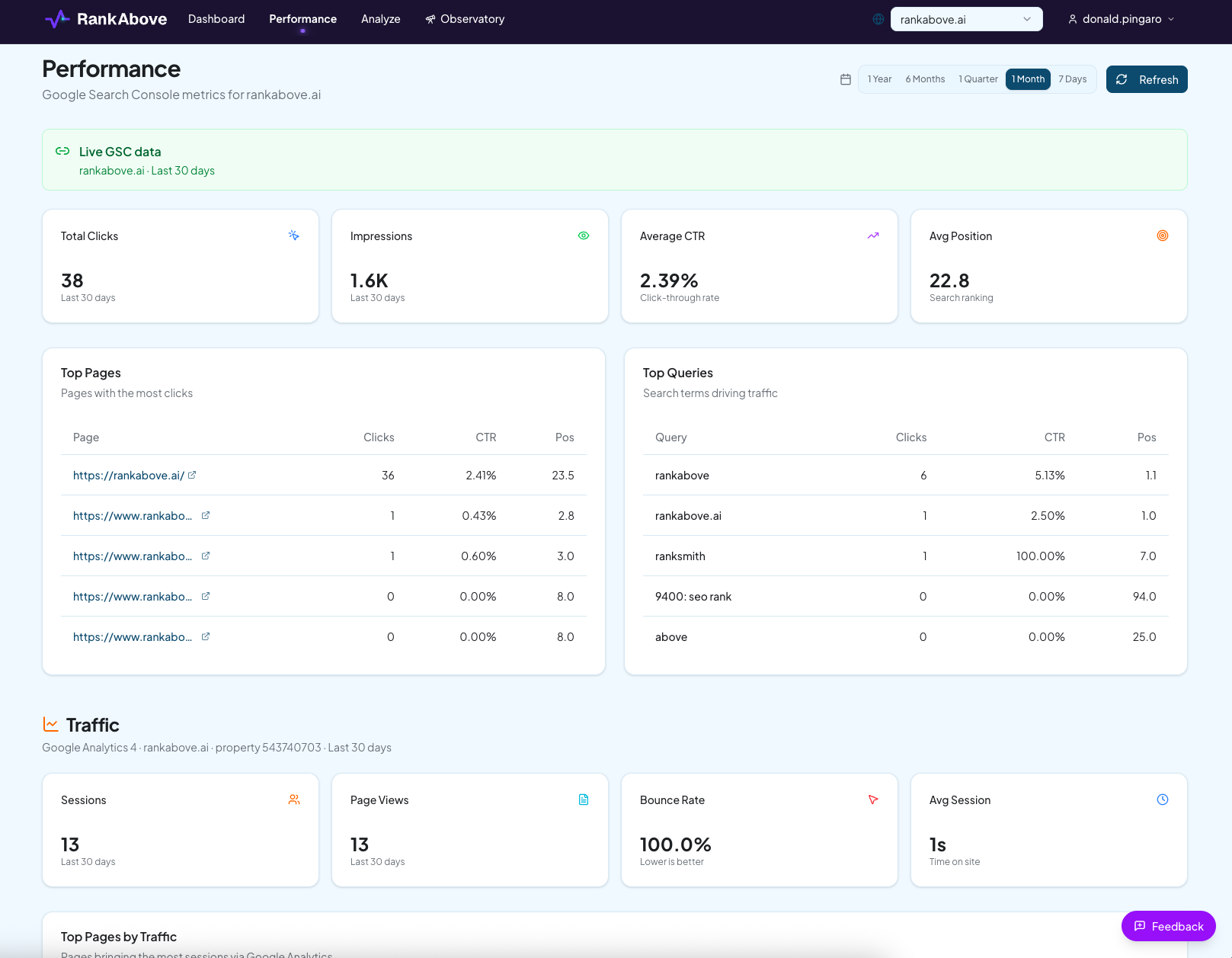
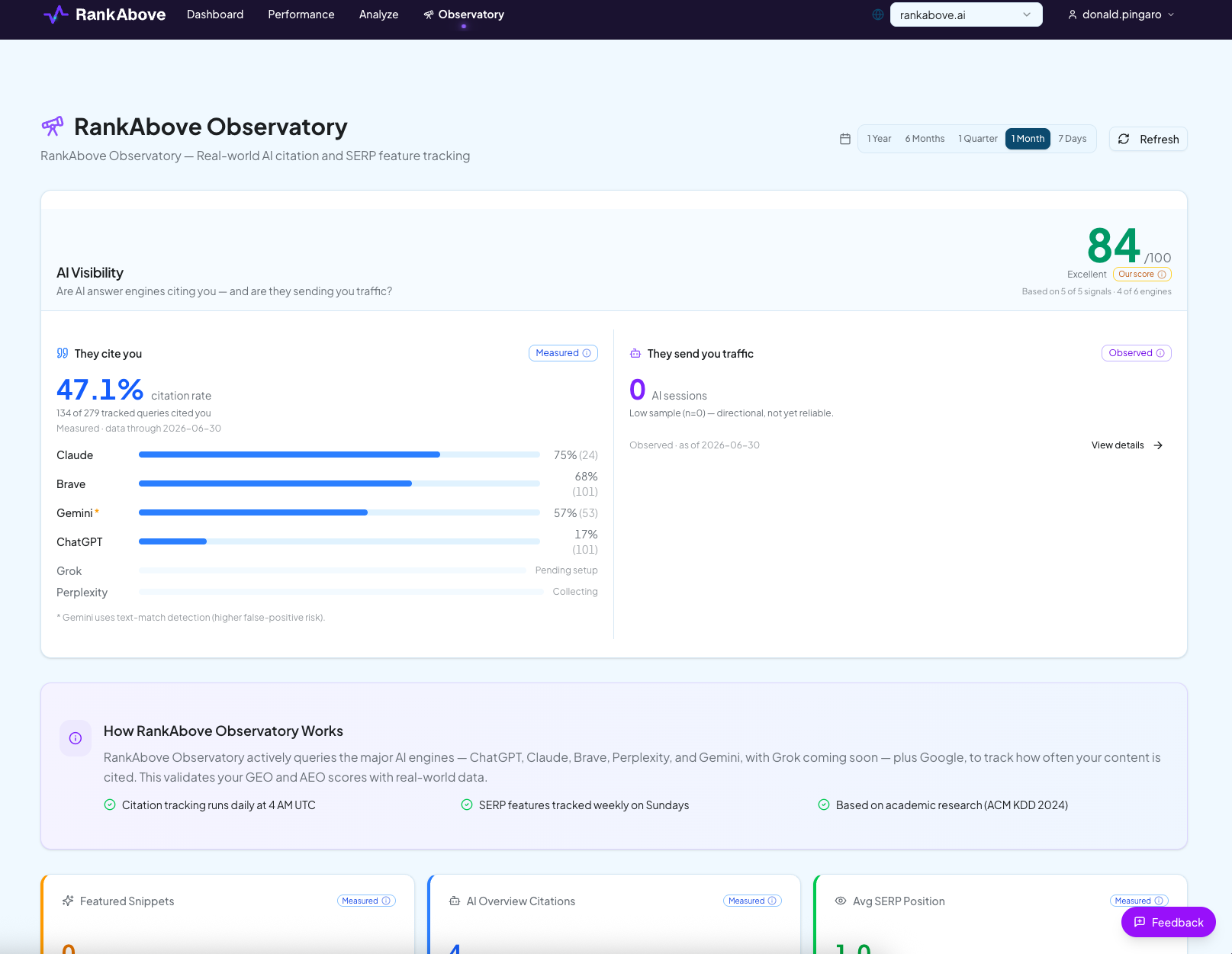
- Wait 30 days, then measure. Check the Performance page and the Observatory before starting the next cycle. Why the cadence matters
What done looks like
When setup is complete, your dashboard shows an overall score with the four pillar cards populated, your site appears in Settings with "GSC Connected" status, and the page lists at the bottom of the dashboard are filled in. From there, the monthly rhythm takes over: analyze, optimize, deploy, measure.
New to the terminology?
Read "SEO vs GEO vs AEO, explained" first; ten minutes there makes every other article faster.