If this is your first time using RankAbove, make sure you have your Google Search Console credentials handy. RankAbove requires all users to connect Google Search Console in order to properly provide accurate data about your website, and recommendations that mean the difference between being found or being forgotten.
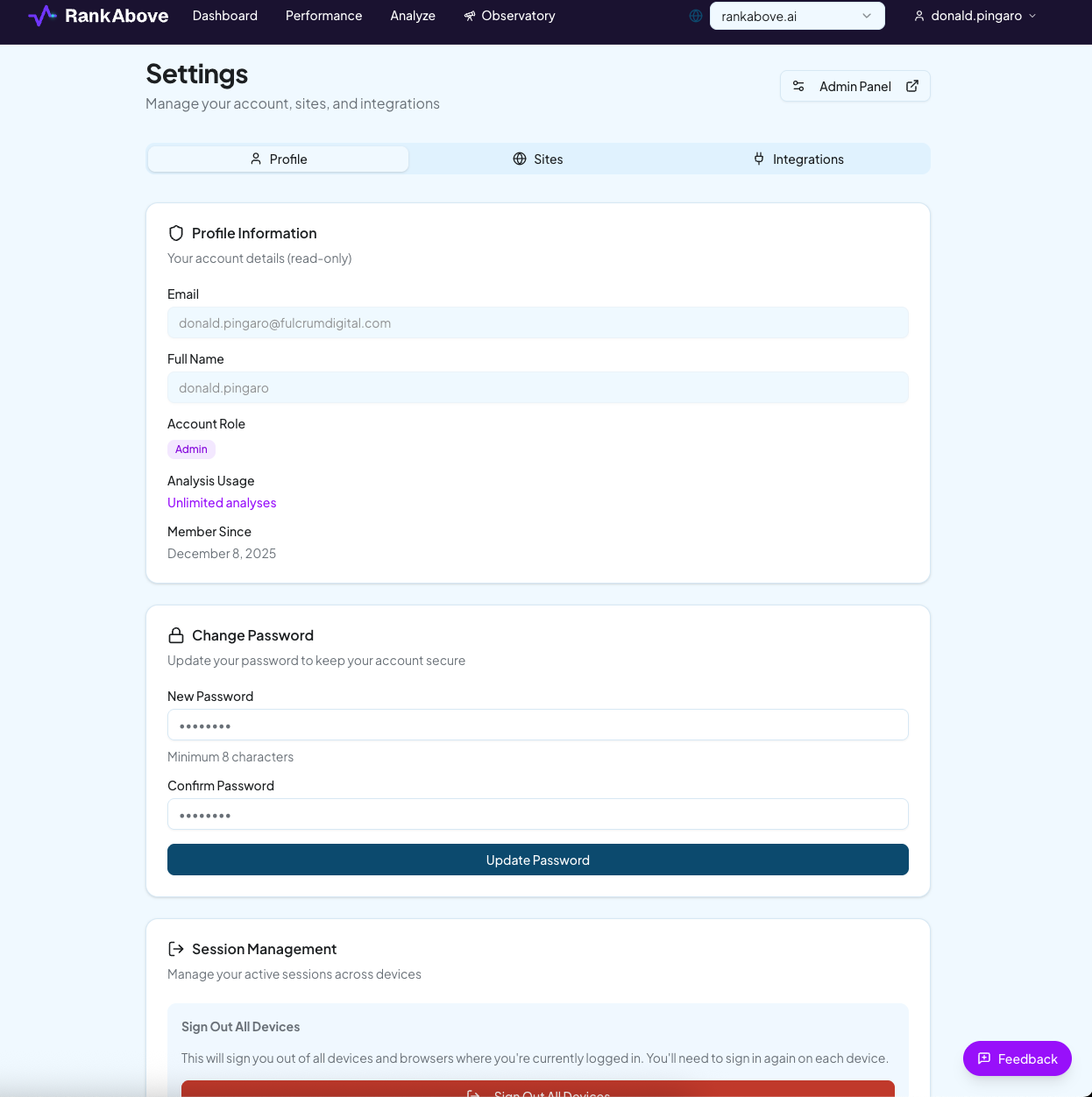
On the settings page, you can change your password, connect different sites, and integrate marketing tools your team already uses.
When you're ready, click the tab titled "Integrations" on the right, and we'll connect your website. Tap the gray "Add Site" button to add your site. Add the URL, and click "Add Site" to complete your selection.
Once your site is added, it will appear in the “Sites” tab. To the right of your domain, tap the button that says “Connect GSC” to connect your Google Search Console.
Heads up
You'll be prompted to enter your credentials. If you encounter any warning messages, remember that RankAbove is still in beta, and click "Advanced" in the bottom left to proceed with your GSC connection. A message will let you know when the connection is complete.