
The two roles
RankAbove keeps roles deliberately simple. Every account has exactly two kinds of users: the Admin, the first account created on the instance, and Members, anyone the Admin invites afterward. What a Member can do is entirely configured by the Admin, and it depends on whether you are using RankAbove solo or as a team.
Solo, before you add a team
If you have not invited anyone else, you are the Admin by default, and every capability on this page belongs to you alone. As a solo user, you can:
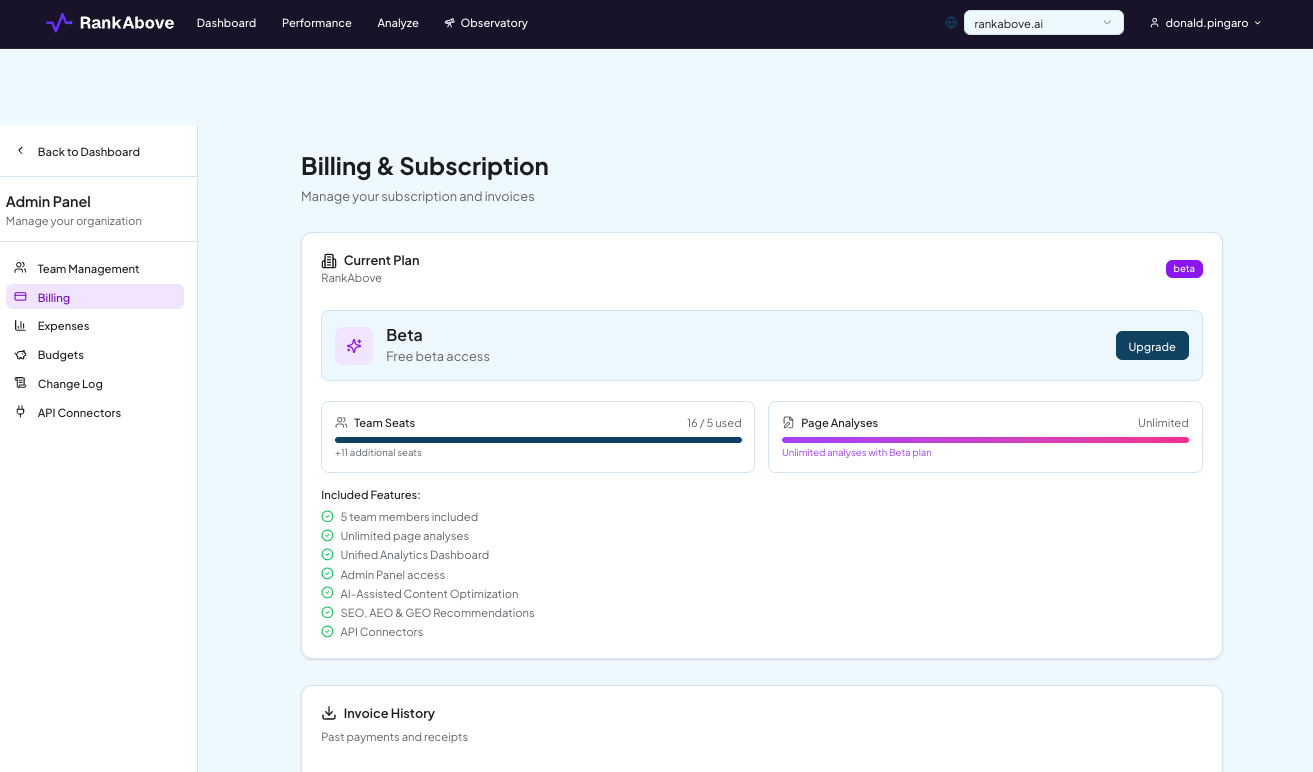
- Manage billing. Add, change, or remove the account's credit card.
- Add team members. As the first user, you are the only one who can invite others.
- Upgrade or cancel the account at any time.
- Allow or deny page overages, and set the maximum budget allocated to them.
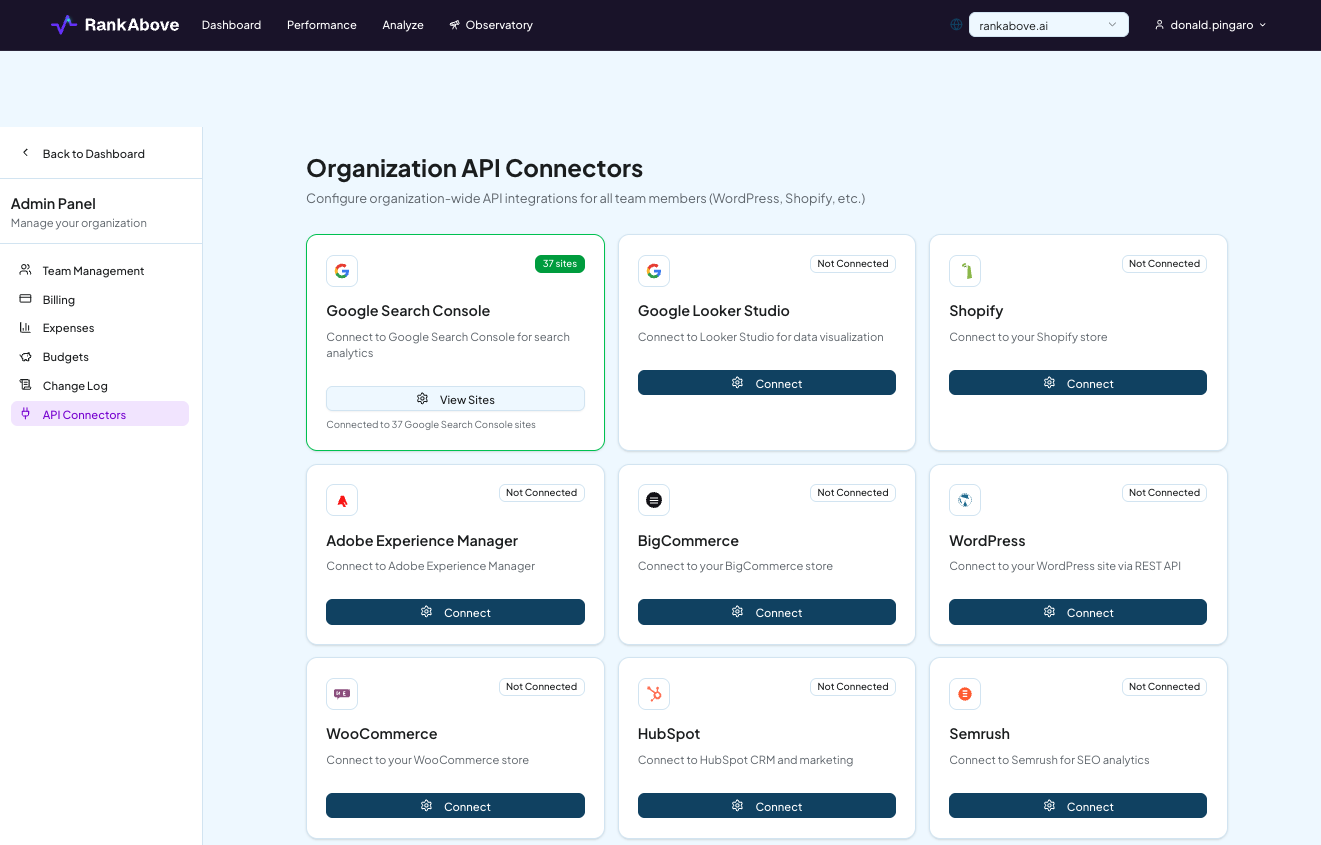
- Connect integrations: your site, Google Search Console, Google Analytics 4, Shopify, Drupal, WordPress, Adobe Experience Manager, Adobe Commerce, Magento, and more platforms to come.
Team plan (up to 5 users)
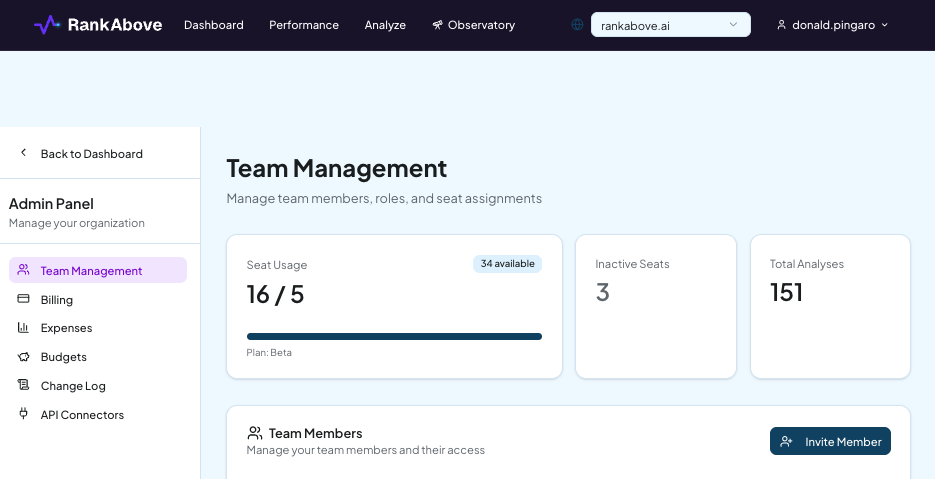
Once you invite others, you move to a Team account, currently capped at five users: one Admin plus up to four Members. The Admin keeps every solo capability above, plus control over each Member individually:
- Add, manage, or remove Members. The Admin is the only user who can manage the team roster.
- Assign page categories per Member. Restrict a Member to specific categories of pages, or leave them unrestricted.
- Allocate a maximum page analysis budget per Member.
- Allocate an overage budget per Member, and allow or deny a Member's requests for additional overages.
Integrations stay with the Admin on a Team account as well; see below.
What Members can do
Two settings, configured per Member by the Admin, determine what a Member's day-to-day looks like.
Which pages they can analyze. A Member can either analyze any page category with no Admin approval needed, or be limited to only the categories the Admin has assigned them. A Member can request additional pages beyond their allocation; depending on how the Admin has configured overages, that request is either approved automatically up to an allocated budget, or requires the Admin's sign-off.
Whether their changes need approval. A Member can either make changes with no approval needed, or must request changes that the Admin allows, denies, or modifies before anything ships.
Good to know
Both settings are configured per Member, so two people on the same team can work under different levels of autonomy.
Integrations and billing stay with the Admin
Regardless of solo or team use, two things never delegate to a Member. Billing: only the Admin can add, change, or remove the account's credit card, upgrade the plan, or cancel it. Integrations: only the Admin can connect the account's site, Google Search Console, Google Analytics 4, Shopify, Drupal, WordPress, Adobe Experience Manager, Adobe Commerce, Magento, and other platforms as they become available.
Tracking team activity
The Admin Panel's Change Log gives the Admin an audit trail of activity across the account, so growing a team does not mean losing visibility into what changed and when.

Coming Q4 2026: Agency access
An Agency tier is planned for teams managing multiple clients: a super-admin level that oversees multiple company-level Admins, each managing their own Members. Agency access is slated for release in Q4 2026.